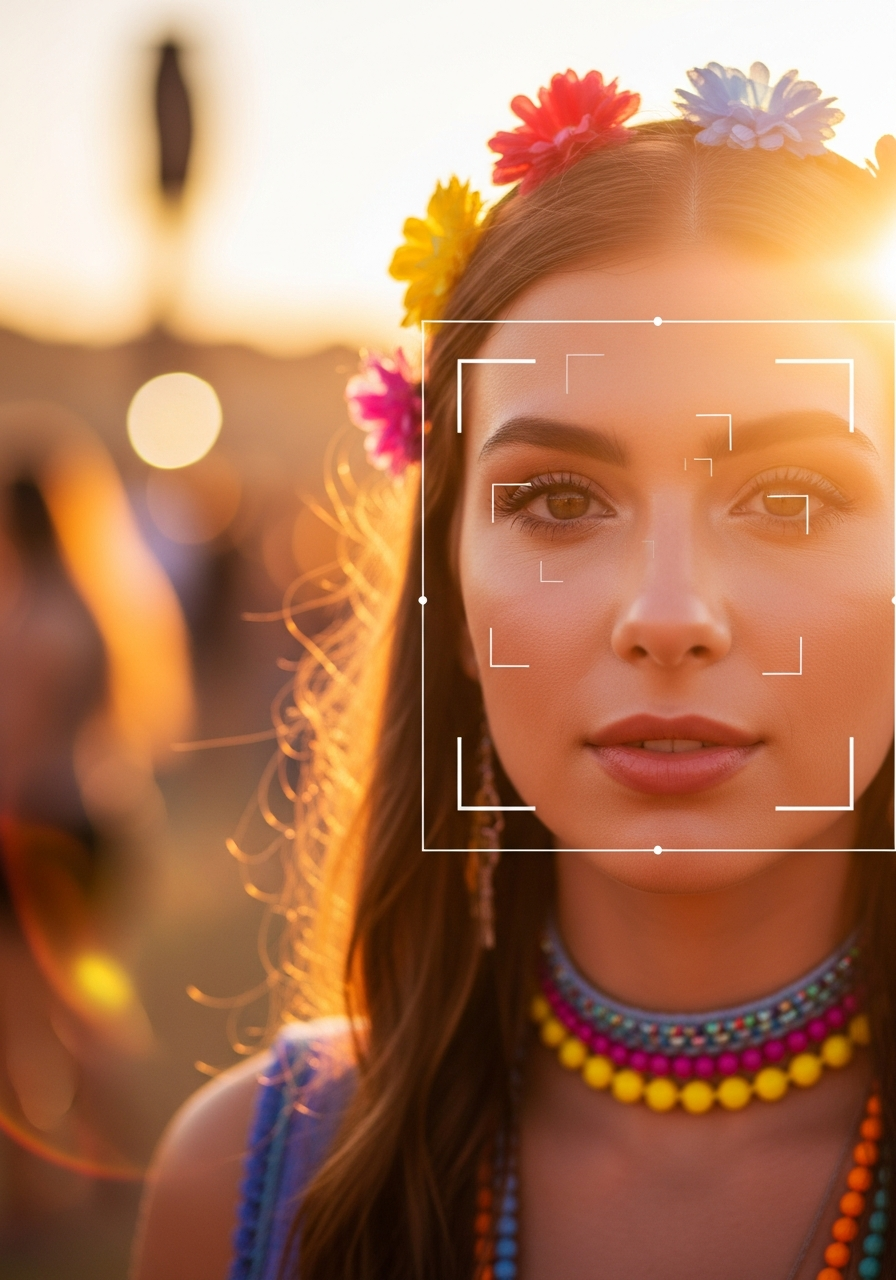
Every few weeks somebody emails the contact page asking, in some variation, what is actually happening when you take a selfie on InItPic and see your festival photos appear three seconds later. The question is fair. "AI does it" is not a real answer. This post is the honest walkthrough of the pipeline, written so a curious non-engineer can follow along and an engineer can spot-check the architecture.
The 30-second version
When a photographer uploads photos, every face in every photo is detected and turned into a numerical fingerprint that gets stored in an AWS Rekognition collection scoped to that one event. When you take a selfie, your face is turned into the same kind of fingerprint and searched against that collection. The matches come back ranked by similarity. The whole search takes milliseconds on the AWS side, plus a few seconds for upload and post-processing on our side.
That is the whole core idea. Everything below is the part where the details start to matter.
Step 1: face detection during upload
The photographer uploads a batch (sometimes 50 photos, sometimes 25,000). Our queue picks each photo up and does three things in parallel: it watermarks the preview, it generates a thumbnail and a micro-thumbnail, and it calls Rekognition's IndexFaces API on the original.
IndexFaces returns a list of detected faces with bounding boxes and confidence scores. For each detected face, AWS computes a feature vector (roughly 128 numbers describing the geometry of that face) and stores it in the event's Rekognition collection. The vector is the only thing stored on the AWS side, not the photo itself. The original photo lives in our private S3 bucket and is only ever served through signed URLs after a purchase.
Each event gets its own Rekognition collection, named with the event ID. This per-event sharding matters for two reasons: it keeps the search space bounded (so search latency stays in the milliseconds even for large events), and it makes it possible to delete an entire event's face data with one API call when the event ends or the photographer requests it.
Step 2: clothing color extraction (the outfit pass)
For each detected face, we also crop the region just below the bounding box (roughly where a person's torso would be) and extract a dominant color. That color is stored alongside the face record in our database. It is used for outfit matching, which is the secondary pass that catches photos where a person is turned away from the camera.
This step is what lets us return the photo where you are standing with your back to the photographer watching the headliner. The face match would never catch that frame (there is no face to match), but the color blob below where a face would be does match, and the system surfaces the photo with an outfit-match badge instead of a face-match badge.
Step 3: your selfie
You open the app and take a selfie. The selfie uploads to our backend. We send it to Rekognition's DetectFaces API first to confirm there is exactly one face in the frame (if there are two, we ask you to retake). Then we call SearchFacesByImage against the event's collection.
That call returns a list of face IDs with similarity scores. We look up each face ID in our database to find the photo it came from, sort by similarity, and return the results to your phone. The whole round-trip takes two to five seconds for most events, longer for events with hundreds of thousands of indexed faces but still well under fifteen seconds.
Step 4: the outfit-match second pass
After the face-match pass returns, we look at the dominant color extracted from your selfie's clothing region and search the database for photos in the same event with the same dominant color. For each candidate, we re-run SearchFacesByImage on the candidate photo using your selfie. This re-verification is the part most people skip: it ensures we never return photos of a stranger wearing a similar jacket. A candidate is only kept if either no face is detectable in the relevant region (you were turned away) or the face that is there is plausibly you.
What about accuracy?
The honest numbers: for frames where the person is roughly facing the camera and their face is at least the size of a small thumbnail in the original full-resolution file, correct match rate is above 98% at the high-confidence threshold (typically 80% similarity or higher). Below that threshold we still surface results, but flagged as lower confidence so you can quickly thumbs-down anything that is wrong.
False positives at high confidence are well under 1% in production. The cases where we miss are mostly extreme: profile shots where the face takes up less than 5% of the frame, heavy stage backlighting that silhouettes the face, full face masks. Outfit matching picks up some of these. The rest are honestly out of reach of any system, including a human scrolling by eye.
What we store, what we delete
This is the part that matters most to readers and the part marketing copy usually fudges. The plain version:
- The photos themselves: stored in a private S3 bucket. Never served raw. All access through time-limited signed URLs. Watermarked previews served to anyone browsing. Originals served only after purchase verification.
- Face vectors from event photos: stored in per-event Rekognition collections. Deleted when the event is deleted or when the photographer requests cleanup.
- Your selfie image: deleted from our storage after matching unless you explicitly opt in to save it for future events. If you opted in, it lives in a private bucket and you can delete it any time from the profile screen.
- Your face vector: stored in the collections of the events you actively chose to search. Removed when you delete your face data from the profile screen.
- What we do not store: we do not link your face to your name, email, employer, or any external identifier unless you provided one. We do not sell face data. We do not run your face against the open internet or any cross-platform identification system.
Why AWS Rekognition specifically
The short answer is that building a face-recognition model from scratch to match AWS-grade accuracy would take a team of ML engineers two years and tens of millions of dollars in training compute. The long answer is that the alternatives we evaluated (running an open-source model on our own GPUs, calling a different cloud provider, using a smaller specialist vendor) all came in worse on either accuracy, latency, cost per match, or all three. Rekognition has the right combination for our scale, and the per-event collection model fits our sharding strategy cleanly.
That said, the architecture is not locked to Rekognition. The face vectors, the storage layer, and the matching API live behind an interface that could in principle be swapped for a different provider if the economics or accuracy changed. We do not have plans to switch, but it is good engineering hygiene that the option exists.
Why this matters for your privacy
Per-event scoping is the biggest design choice in the system from a privacy standpoint. Most facial recognition systems people are worried about are global: one giant model that knows every face. The InItPic model is the opposite. Each event is an island. Your face in the Wednesday wedding does not know anything about your face in the Sunday marathon unless you explicitly ran both searches. There is no master database of attendees. There is no cross-event person identifier. There is just a per-event collection of face vectors that gets searched when you ask it to and deleted when you stop wanting it.
The plain-English version of the privacy story is on our FAQ page. If you want to read it in lawyer language, it is in the privacy policy. If you want to delete your face data right now, email hello@initpic.com.
See it work on your own face
One selfie. Every photo of you at the event. Searching is free.
Find my photos