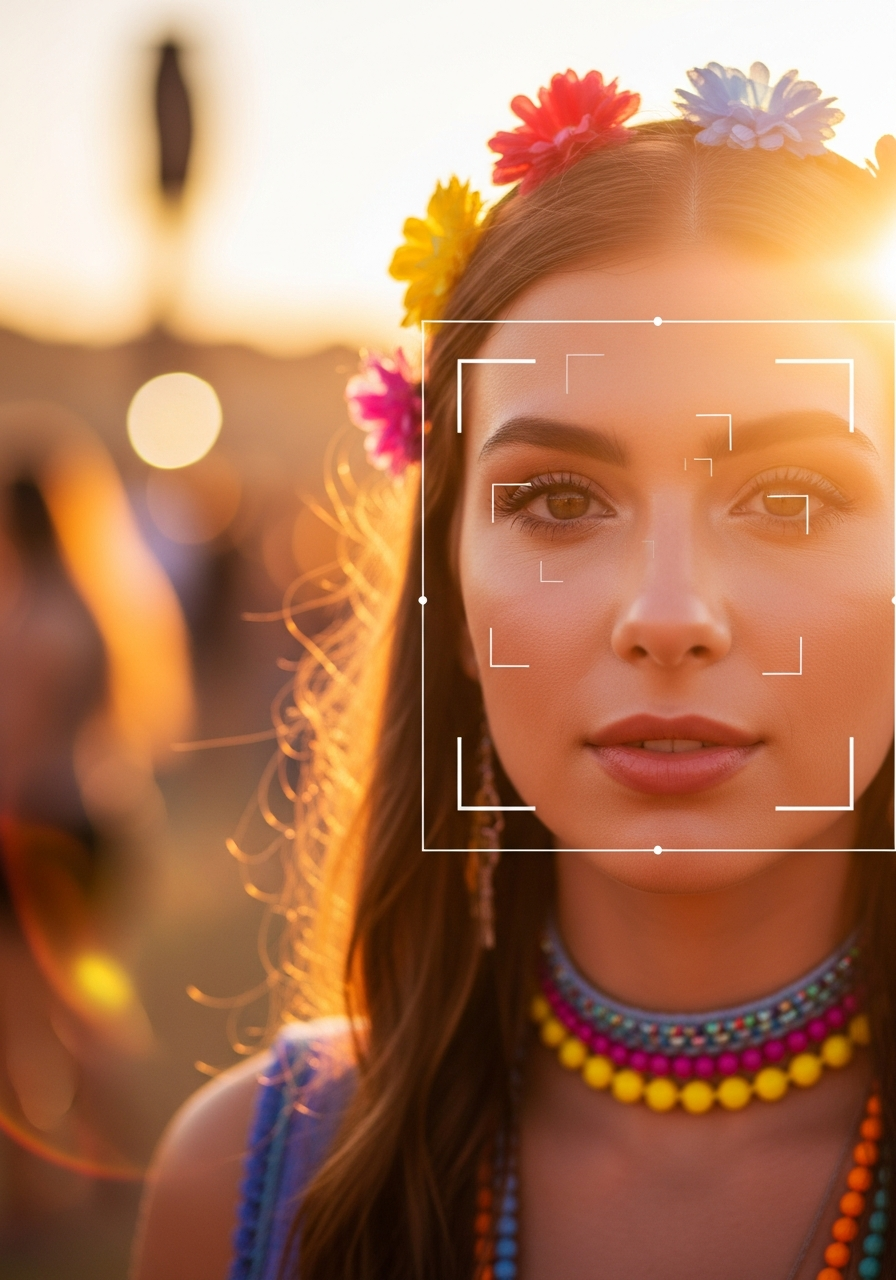
Whenever we tell someone new that InItPic uses facial recognition to help people find their event photos, we get one of two reactions. Some people light up because they have spent hours scrolling through giant Dropbox folders and they immediately get why this is useful. Others get a little tense, because the words "facial recognition" carry decades of dystopian movie baggage and they want to know what is actually happening to their face.
Both reactions are reasonable. The technology is genuinely useful and it is worth being skeptical of. So this post is the long, plain English version of what photo matching at an event actually does, what it does not do, what gets stored, what gets deleted, and where the privacy line sits in practice. No hype, no hand waving.
Recognition versus surveillance, the distinction that matters
The term "facial recognition" is doing a lot of work in public conversation. It covers two very different things that happen to share a name.
Recognition: matching you to yourself
This is what happens at an event. You upload a selfie. The system looks for your face in the set of photos from that one event. It tells you which ones contain you. There is no name attached. There is no link to a public identity. There is no attempt to figure out who you are. The system literally does not know your name unless you typed it in. It just knows that face A in your selfie matches face B in three hundred event photos.
Surveillance: identifying a stranger
This is the scary version, and it is a different product. Surveillance systems take an unknown face and try to attach a name and identity to it by searching against a giant database of named photos (driver's license records, social media profiles, mugshots). That requires a labeled database that ties faces to identities. Event photo matching does not have that database, does not build that database, and is not designed to ever produce one.
The short version: recognition asks "is this the same face?" Surveillance asks "who is this face?" Event photo matching only does the first.
"Recognition asks 'is this the same face?' Surveillance asks 'who is this face?' Event photo matching only does the first."
What actually happens when you take a selfie
Here is the full life cycle of a selfie on InItPic, step by step.
1. The selfie travels over an encrypted connection
Your phone takes the photo. The bytes travel over HTTPS to our server. They are encrypted in transit. Nothing on the public internet can read the contents along the way.
2. The face is detected and turned into a vector
We send the selfie to AWS Rekognition, which is the same managed service used by a lot of large scale photo systems. Rekognition detects the face in the frame and returns a feature vector, which is a list of about 128 floating point numbers that describes the geometry of that face. Spacing between the eyes. Curve of the jaw. Relative size of the brow. The vector is essentially a fingerprint. You cannot reverse it back into a photo. Two different photos of the same person produce vectors that are close to each other in this 128 dimensional space. Two different people produce vectors that are far apart.
3. The vector is stored in a face collection scoped to the event
That vector goes into an AWS Rekognition face collection. Each event on InItPic gets its own collection, named something like initpic-evt-12345. The collection holds vectors for the people who attended that event and the faces detected in the photos from that event. It does not hold vectors from any other event by default. So a search runs against the people who were at this one show, not against everyone in our system.
4. The system performs a search and returns matches
We ask Rekognition to find the closest vectors in the event collection. It returns a ranked list with a similarity score on each one. We surface anything above a confidence threshold (eighty percent for face matches, with an optional second pass on outfit color that is itself re-verified by face matching to avoid false positives). You see the matches in the app within a few seconds.
5. The selfie image is deleted
The original selfie photo is deleted from our storage after the vector is generated, unless you explicitly opted in to save it for future events. If you opted in, the selfie sits in a private S3 bucket that is not publicly accessible (every object returns a 403 if you try to hit it directly without a signed URL), and you can delete it any time from the profile screen.
What is stored, in plain terms
Here is the actual list of things we keep.
- Your account email and password hash, if you created an account.
- Your face vector, in the AWS Rekognition collection for the event you searched, so the same selfie can be matched against new photos uploaded later in the same event.
- If you opted in to save your selfie across events, the selfie image lives in a private S3 bucket. If you did not opt in, the selfie image is gone after matching completes.
- The list of photos you matched, so we can show your match history in the app.
- Order records (which photos you bought, when, for how much), kept for tax and accounting reasons.
We do not store a name unless you put one in. We do not store your location. We do not store your phone number unless you give it to us for receipts. We do not run your face against any other event you did not search.
What we explicitly do not do
We do not sell face data
Face vectors are not sold to third parties. They are not shared with advertisers. They are not handed off to data brokers. The infrastructure that holds them (AWS Rekognition collections) does not have an export path that ships them to anyone. We have built this on purpose.
We do not match across events without your action
If you take a selfie at one festival and a photographer uploads a different event a month later, your selfie does not automatically search the new event. You have to actively look at the new event for matching to run. The exception is the global re-find feature, which is opt in and only matches against your saved selfie when you choose to use it.
We do not identify strangers
If a photo contains five people and one of them is you, you see the photo. The other four faces are detected, vectorized, and stored in the event collection so they can match their own selfies later. They are not labeled. They are not named. We do not run them against the open internet to find out who they are.
We do not use your selfie to train a general model
Face vectors are used for matching only. They are not aggregated, anonymized, or fed back into a training pipeline. Rekognition itself was trained by AWS on its own data sets long before any of our customers ever showed up.
How long things stick around
Selfies
Deleted immediately after matching unless you opted to save them. If you opted to save, deletable from your profile at any time. If you delete your account, all selfies and face vectors are removed.
Face vectors in event collections
Persist for the life of the event. When a photographer deletes an event, we delete the entire AWS Rekognition collection for that event in one call. When you delete your account, your individual vectors are removed from any collection they are in.
Photos themselves
Live in private S3 buckets owned by the photographer. They are deleted when the photographer deletes the photo or the event, or when the account is closed. None of these photos are publicly browseable. Every photo URL we hand out is a signed link that expires.
Order and payment records
Kept for up to seven years for tax compliance, which is the legal minimum in most jurisdictions we operate in.
The accuracy question, and the honest answer
No matching system is perfect. The honest numbers, based on hundreds of thousands of matches we have processed:
- For frames where the subject is roughly facing the camera and the face occupies at least a small thumbnail of pixels in the original (say sixty pixels wide), we see correct match rates above ninety eight percent at the high confidence threshold.
- For profile shots, partial faces, or very small faces in wide crowd shots, recall drops to roughly sixty to seventy percent. The outfit matching pass picks up some of this slack.
- False positive rate at the eighty percent confidence threshold is well under one percent, meaning fewer than one in a hundred matches are someone else who happens to look like you. The system also flags lower confidence matches separately so you can review and reject them.
If you have ever had two friends who really do look alike show up in your match results, that is the long tail. The system is doing its job (those two faces are genuinely close in vector space) and a quick thumbs down on the wrong one teaches it for next time.
What the law says, briefly
Different jurisdictions have different rules. Illinois has BIPA, which requires consent before collecting biometric data. The EU has GDPR, which treats face data as a special category. California has CCPA. We collect explicit consent before processing your selfie, we provide a way to view your data and delete it (see data request or email hello@initpic.com), and we do not run face matching for anyone who has not actively chosen to use it. The full legal version lives in our privacy policy.
So is it safe?
Yes, with the caveat that "safe" is always relative to what you are comparing it to. The risk profile of taking one selfie to find your photos at a music festival is closer to the risk profile of using face unlock on your phone than it is to anything you would see on the news about police surveillance systems. The vectors are scoped, the photos are private, the selfie itself is deleted unless you save it, and the whole pipeline is built around the assumption that you, the user, should be able to leave at any time and take your data with you.
If you want the practical, "what does it feel like to use this" version of the same story, our companion post on how to find your photos from a festival, concert, or race without scrolling for hours walks through the actual user flow. And if you are a photographer trying to figure out how to deliver galleries that work with this kind of matching, our playbook for event photographers covers the practical side.
Try a search for yourself
One selfie, all your event photos. Searching is free, and you control your face data at every step.
Find my photos